
Clip Studio Paint
- 100M+SIZE
3.3
- 4+AGE
Advertisement
View App Details
Verified antivirus
DESCRIPTION
Unleash Your Creativity with Clip Studio Paint
Clip Studio Paint is a powerful and versatile tool designed for artists, illustrators, and designers to bring their creative ideas to life. Whether you are a professional artist or just starting out, this app provides all the essential features you need to create stunning artwork with ease.
Core Features and Key Uses
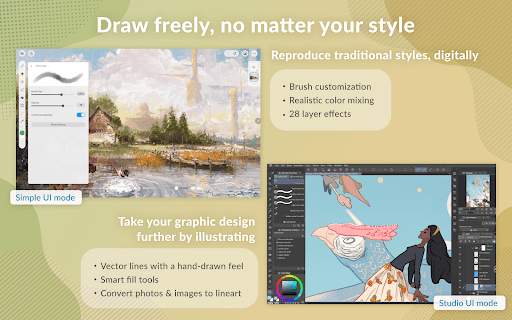
With Clip Studio Paint, you can access an extensive range of brushes, pencils, and textures to add depth and detail to your creations. The app supports multiple layers, which allows for non-destructive editing and precise control over every element of your artwork.
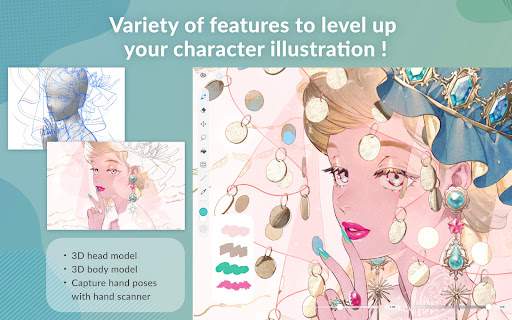
One of the standout features of Clip Studio Paint is its advanced drawing and painting tools, including rulers, vector lines, and 3D models for reference. This makes it easier to create intricate designs and achieve lifelike illustrations with precision.
Practical Value and User Experience
Users praise Clip Studio Paint for its intuitive interface and customizable workspace, which streamlines the creative process and adapts to individual preferences. The app's seamless integration with drawing tablets and styluses ensures a natural and responsive drawing experience, making digital art creation feel as fluid as traditional methods.
Typical Use Cases
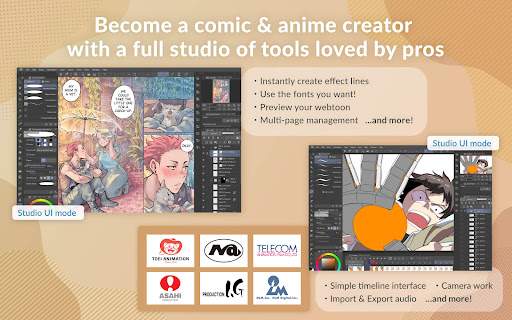
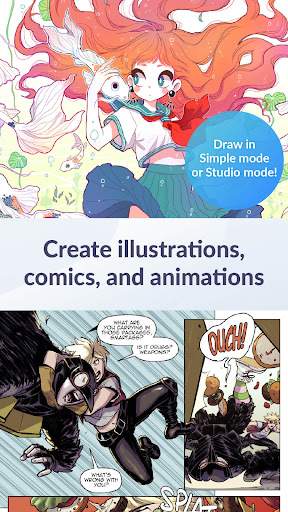
From digital painting and comic creation to concept art and illustration, Clip Studio Paint is the go-to app for a wide range of artistic endeavors. Whether you are sketching rough ideas or polishing a final masterpiece, this app provides the tools and flexibility to cater to your creative needs.
Unique Advantages
Clip Studio Paint stands out for its balance between powerful features and user-friendly design. Artists appreciate the app's frequent updates and continuous improvements, ensuring that they always have access to the latest tools and enhancements to enhance their workflow.
Potential Limitations and Considerations
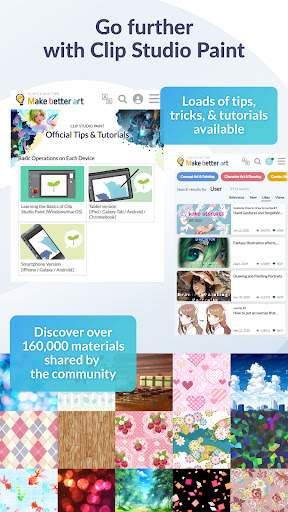
While Clip Studio Paint offers a comprehensive set of features, some users may find the learning curve steep, especially if they are new to digital art. It is recommended to explore tutorials and online resources to fully unlock the app's potential and make the most of its advanced capabilities.
Screenshots